Why Google Search Console Is the Most Valuable Free Tool in Digital Marketing

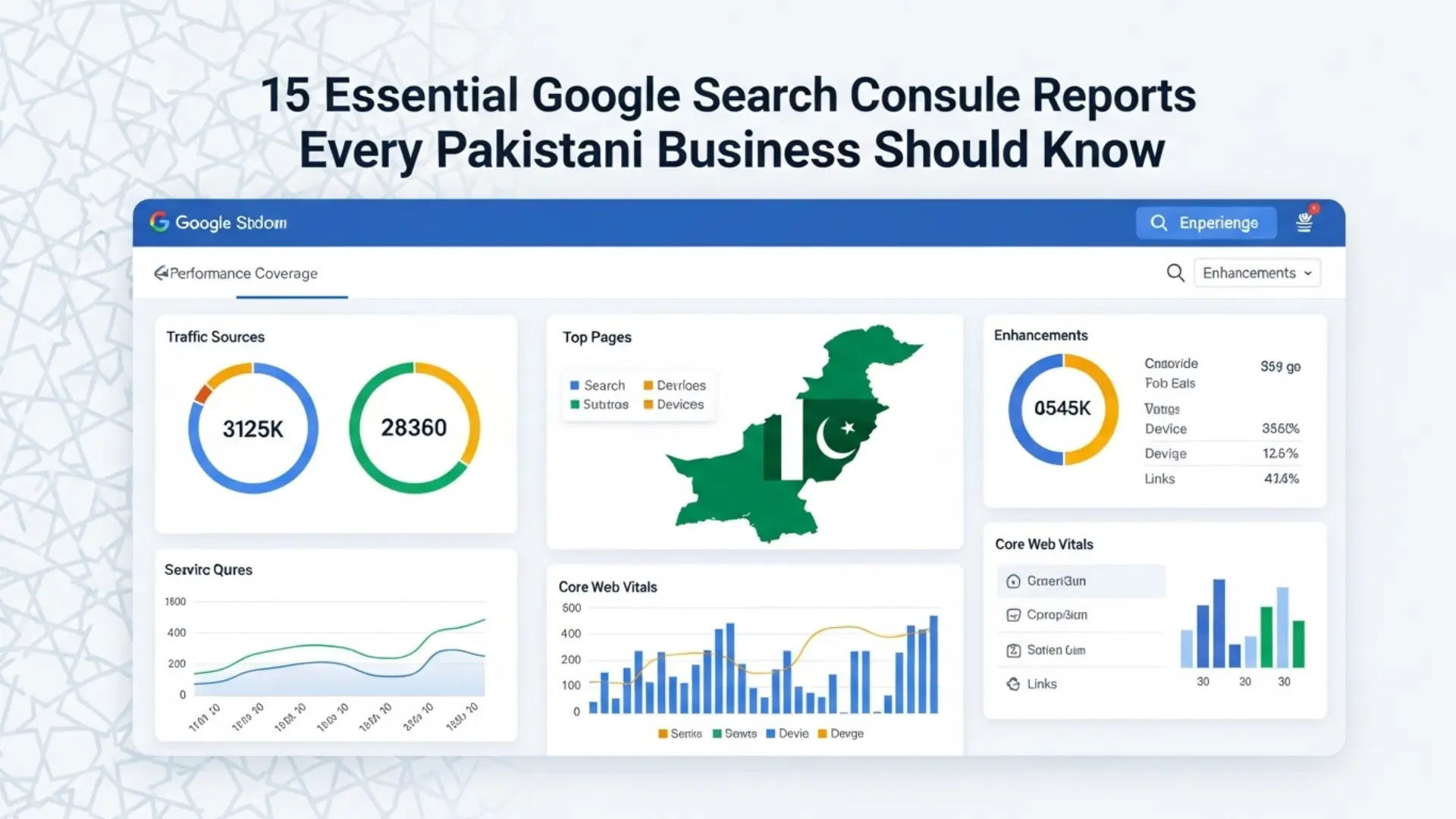
Google Search Console (GSC) is the only tool that provides direct, first-party data from Google ads about how your website performs in Google Search. Every other SEO tool — Ahrefs, Semrush, Moz — estimates search data using sampled panels and algorithmic modelling. GSC reports actual data: the exact queries users searched, the exact pages Google served, the exact clicks your site received, and the exact technical issues Googlebot encountered when crawling your pages. Understanding these insights becomes even more powerful when you explore the 15 Essential Google Search Console Reports that reveal the true performance of your website.
For Pakistani businesses, GSC has even greater strategic importance than for Western markets. Pakistan’s search volumes are underestimated by third-party tools due to incomplete mobile data sampling. GSC’s impression and click data — drawn directly from Google’s servers — is the most accurate picture of your actual search presence in Pakistan. Clickmasters routinely finds that Pakistani clients’ true keyword footprint is 2–4x larger than Ahrefs or Semrush estimates when we compare tool data against GSC actuals.
Yet despite its power and cost (completely free), fewer than 30% of Pakistani businesses have GSC properly set up, and fewer than 10% check it more than once a month. This guide changes that. We will walk through 15 specific GSC reports and — critically — tell you exactly what decisions to make from each one.
How to Set Up Google Search Console for Your Pakistani Website
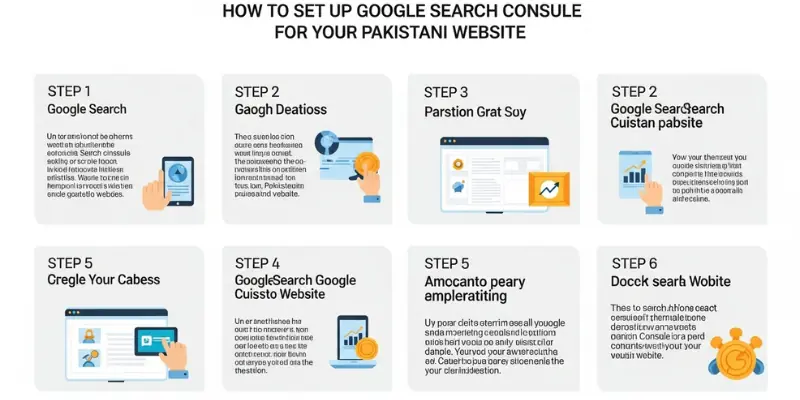
If you haven’t set up GSC yet: (1) Go to search.google.com/search-console. (2) Add your property — use Domain property type (covers all subdomains and HTTP/HTTPS variants). (3) Verify ownership via DNS record (ask your hosting provider), HTML file upload, or Google Analytics if already installed. (4) Submit your XML sitemap: Settings > Sitemaps > Enter your sitemap URL (typically yourdomain.pk/sitemap.xml). (5) Wait 48–72 hours for initial data to populate. From that point, GSC tracks your search performance permanently — the longer it runs, the more valuable the historical data
THE 15 CRITICAL GSC REPORTS FOR PAKISTANI BUSINESSES
SECTION 1: PERFORMANCE REPORTS (Reports 1–5)

Performance reports show you how your website is performing in Google Search — what queries it appears for, how often users click, and where you rank. These are the reports Pakistani businesses should review weekly.
REPORT 1: Search Queries — Your Keyword Performance Dashboard
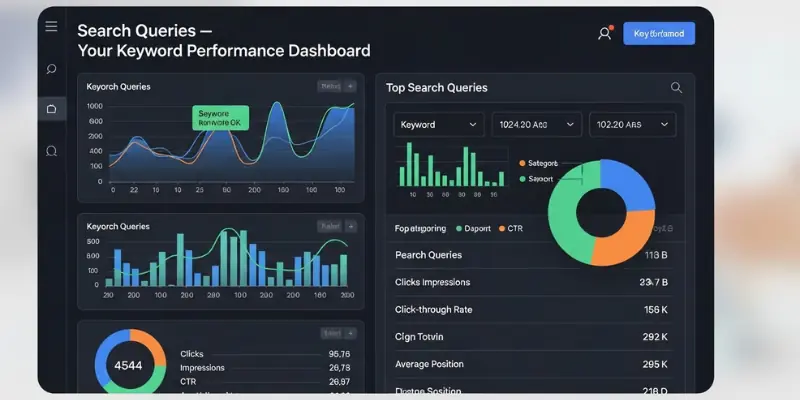
Where: Performance > Search Results > Queries tab
What It Shows: Every search query that caused Google to show your website in results, along with impressions (how often you appeared), clicks (how often users clicked), CTR (click-through rate), and average position. For Pakistani businesses, set the date range to 3 months and filter by country: Pakistan.
What Pakistani Businesses Must Do: Sort by Impressions. Identify your top 20 impression-generating queries — these are the searches where Google considers your site relevant. Now look at position: queries with high impressions (500+) but position 11–20 are your quickest-win opportunities. Create or optimise content specifically for these terms to push to page 1. For queries with position 1–5 but CTR below 3%: rewrite your title tag and meta description to be more compelling
REPORT 2: Landing Pages — Which Pages Drive Your Search Traffic
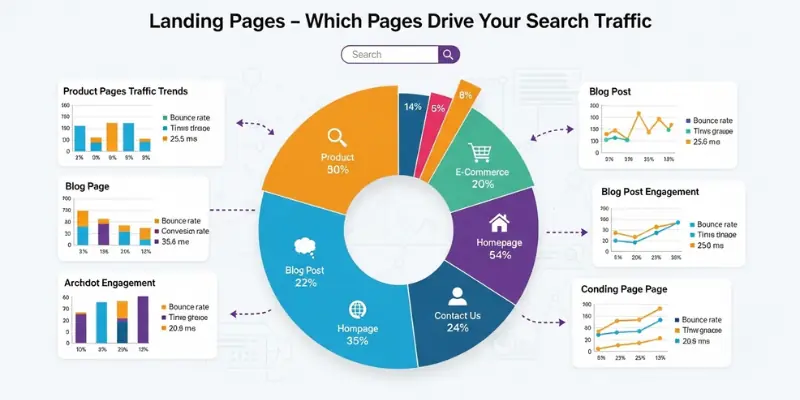
Where: Performance > Search Results > Pages tab
What It Shows: Your website’s pages ranked by the clicks and impressions they receive from Google Search. Shows which pages are your organic traffic workhorses — and which pages are invisible to Google despite your investment in them.
What Pakistani Businesses Must Do: Sort by Impressions. Your top 5 landing pages by impressions are your SEO foundation — protect them with regular content updates, strong internal linking, and schema markup. Identify pages with zero or near-zero impressions despite being important to your business — these need either keyword optimisation (the page may target wrong terms) or technical fixes (the page may have indexation issues). Cross-reference with your keyword targets: are your highest commercial-intent pages earning impressions, or only your informational content?
REPORT 3: Countries & Devices — Pakistan Traffic Quality Report
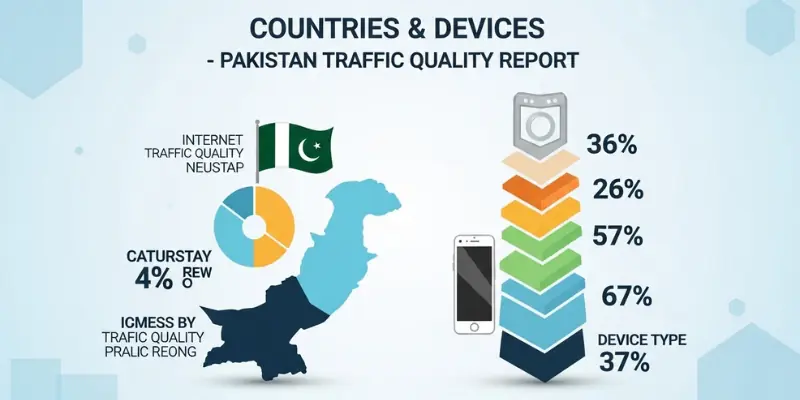
Where: Performance > Search Results > Countries tab / Devices tab
What It Shows: The Countries tab breaks down your search performance by user country. The Devices tab splits performance between Desktop, Mobile, and Tablet. For Pakistani businesses, this reveals the exact proportion of your traffic from Pakistan vs. international markets, and your mobile vs. desktop performance split.
What Pakistani Businesses Must Do: Pakistan filter: Set Countries filter to Pakistan to isolate only your local performance data. This is your true Pakistani SEO scorecard. Mobile performance: Pakistan is 85%+ mobile — if your mobile click-through rate is significantly lower than desktop, your pages are not mobile-optimised (text too small, layout issues on mobile screens). International performance: If you have unexpected traffic from UAE, UK, or USA, investigate which pages are attracting it — this may reveal unplanned international SEO opportunities worth intentionally developing
REPORT 4: Search Appearance — Rich Results & Feature Eligibility
Where: Performance > Search Results > Search Appearance tab (or filter by Search Appearance)
What It Shows: When your pages appear as rich results — FAQ dropdowns, how-to steps, recipe cards, sitelinks, image results, or video carousels — GSC tracks their performance separately. This report shows which rich result types your site currently qualifies for and how they perform compared to standard blue-link results.
What Pakistani Businesses Must Do: Rich results typically have 20–40% higher CTR than standard results. Check which rich result types your site currently triggers. If you see FAQ appearances, verify your FAQPage schema is complete and properly implemented. If rich results are absent despite implementing schema, check the Enhancements section for schema errors. For Pakistani businesses, FAQ rich results are particularly valuable — they expand your SERP listing without requiring position improvement, effectively stealing screen space from competitors.
REPORT 5: Date Comparison — Traffic Trend Analysis
Where: Performance > Search Results > Date range > Compare
What It Shows: GSC’s date comparison feature lets you compare any two time periods side by side: this month vs. last month, this year vs. last year, pre-update vs. post-update. This is your most powerful diagnostic tool for identifying whether your SEO is improving or declining — and why.
What Pakistani Businesses Must Do: Set up monthly comparisons as a routine: compare each month against the same month last year (seasonal normalisation). Look for: pages with declining clicks despite stable or improving positions (CTR issues — title/description optimisation needed); pages with declining positions (competitive pressure — content needs updating or link building needed); sudden traffic drops coinciding with Google update dates (E-E-A-T or quality issues); and unexpected traffic gains on pages you recently improved (validates your SEO actions).
SECTION 2: INDEXATION & COVERAGE REPORTS (Reports 6–9)
Coverage reports tell you whether Google has successfully crawled, processed, and indexed your pages — or why it has not. These reports are critical for Pakistani websites that frequently have indexation issues due to hosting infrastructure, plugin misconfigurations, or duplicate content problems.
REPORT 6: Index Coverage — Your Indexation Health Report
Where: Indexing > Pages
What It Shows: The Pages report categorises every URL Google has encountered on your domain into four statuses: Indexed (successfully in Google’s index), Not Indexed (rejected from the index, with specific reasons), Excluded (deliberately excluded by canonical tags, noindex, or robots.txt), and Errors (technical failures preventing processing).
What Pakistani Businesses Must Do: This is the most important technical SEO report in GSC. Start with the ‘Not indexed’ section — expand each reason and investigate: ‘Crawled — currently not indexed’ means Google reached the page but chose not to index it (quality signal — the page may be too thin or too similar to existing indexed content). ‘Discovered — currently not indexed’ means Google knows the page exists but hasn’t crawled it yet (crawl budget issue — your site may be too large for Google’s allocated crawl budget). ‘Duplicate without user-selected canonical’ means duplicate content. ‘Blocked by robots.txt’ requires immediate investigation if these are important pages. Pakistani e-commerce sites: check whether product pages, category pages, and blog posts are indexed
REPORT 7: Sitemaps — Sitemap Health & Submission Status
Where: Indexing > Sitemaps
What It Shows: Shows all submitted sitemaps, when Google last processed them, how many URLs they contain, and whether Google encountered any errors. Also shows the gap between submitted URLs and indexed URLs — a key diagnostic for indexation efficiency
What Pakistani Businesses Must Do: Submit your sitemap if not already done: your sitemap URL is typically yourdomain.pk/sitemap.xml (WordPress with Yoast/RankMath) or yourdomain.pk/sitemap_index.xml. After submission, check the ‘Discovered URLs’ count: if significantly less than ‘Submitted URLs,’ investigate why. Large gaps indicate Google is not processing your full sitemap — causes include: sitemap containing noindexed URLs (fix: generate cleaner sitemap), sitemap errors (fix: validate at xml-sitemaps.com), or crawl budget exhaustion. Pakistani e-commerce sites: ensure your sitemap auto-updates when new products are added
REPORT 8: Video & Image Indexing
Where: Indexing > Videos / Indexing > Shopping
What It Shows: For Pakistani businesses with video content or e-commerce products, these reports show how many videos and products Google has indexed from your site, along with any issues preventing video or product indexing.
What Pakistani Businesses Must Do: Video indexing: Pakistani businesses investing in YouTube integration and embedded videos should verify their VideoObject schema is enabling video indexing. Videos that are indexed receive video carousels in SERPs — significantly higher CTR than text results. Product indexing: Pakistani e-commerce operators should check their Shopping indexing status regularly. Products appearing here are eligible for free Google Shopping results — a high-value traffic source that requires zero ad spend. Errors in this report often indicate Product schema or Google Merchant Center issues.
REPORT 9: Removals — Monitoring Content Removal Requests
Where: Indexing > Removals
What It Shows: Shows any URLs that have been submitted for temporary removal from Google Search, and any URLs that Google has flagged as containing sensitive or outdated content. Also shows SafeSearch filtering status.
What Pakistani Businesses Must Do: Check this report monthly. Pakistani businesses that have used the Removals tool to temporarily hide pages should ensure they have resolved the underlying issue and either resubmit the page or permanently handled it. Alert: if you see URLs in this report that you did not submit, investigate immediately — a third party may have submitted removal requests for your content, or a previous website owner may have requested removals that are still active. For Pakistani news sites and blogs: monitor whether Google’s ‘Outdated content’ tool has removed any of your pages based on user reports
SECTION 3: EXPERIENCE & USABILITY REPORTS (Reports 10–12)
Experience reports measure how users interact with your pages — page speed, mobile usability, and the presence of intrusive elements. These reports directly reflect the Page Experience ranking signals that Google uses to rank results.
REPORT 10: Core Web Vitals — Your Page Speed Report Card
Where: Experience > Core Web Vitals
What It Shows: Shows your website’s real-world Core Web Vitals (CWV) performance based on Chrome User Experience Report (CrUX) data — actual measurements from real users visiting your pages. Categorises URLs as Good, Needs Improvement, or Poor for both mobile and desktop.
What Pakistani Businesses Must Do: This is the most actionable technical report in GSC for Pakistani websites. The mobile section is your priority — Pakistan is 85%+ mobile. Any URL category with ‘Poor’ status needs immediate attention. Click ‘Open Report’ for mobile CWVs and identify which specific metric is failing: LCP (page loading speed), INP (interactivity), or CLS (visual stability). Group URLs by template type (product pages, blog posts, category pages) — fixing a template issue fixes all pages using that template simultaneously. Pakistani benchmark: fewer than 8% of Pakistani websites have ‘Good’ CWV status on mobile. Achieving ‘Good’ status places you in the top tier of your competitive landscape
REPORT 11: Mobile Usability — Mobile Rendering Issues
Where: Experience > Mobile Usability
What It Shows: Identifies specific pages on your website that have mobile rendering problems: text too small to read, clickable elements too close together, content wider than the screen, and viewport not configured correctly. Each issue type lists the affected URLs.
What Pakistani Businesses Must Do: Export the full issue list and sort by error count. The most common mobile usability issues on Pakistani websites: ‘Text too small to read’ — font sizes under 12px on mobile. Fix: increase base font size to minimum 16px on mobile. ‘Clickable elements too close together’ — buttons, links, and form fields with under 48px spacing. Fix: increase tap target size and spacing. ‘Viewport not set’ — missing or incorrect viewport meta tag. Fix: add to every page. ‘Content wider than screen’ — horizontal scrolling on mobile. Fix: CSS overflow issues, typically caused by fixed-width tables or images without max-width: 100%.
REPORT 12: HTTPS Report
Where: Experience > HTTPS
What It Shows: Confirms whether your website is served over HTTPS and identifies any pages still served over HTTP. Also flags mixed content issues — pages where HTTPS is used but some resources (images, scripts, stylesheets) are loaded over HTTP
What Pakistani Businesses Must Do: All Pakistani websites in 2026 must serve exclusively over HTTPS. If this report shows HTTP pages: your SSL certificate may not be properly configured, your .htaccess redirect may be missing, or some internal links still use the HTTP URL format. Mixed content issues (HTTPS page loading HTTP resources) produce browser security warnings that damage user trust and can suppress rankings. Fix mixed content by: updating all internal image and media URLs to HTTPS, updating CDN configuration to serve assets over HTTPS, and updating any hardcoded HTTP links in your CMS database
SECTION 4: ENHANCEMENT REPORTS (Reports 13–15)
Enhancement reports track structured data implementation and rich result eligibility. These reports tell you whether your schema markup is correctly implemented, and whether Google has approved your pages for enhanced SERP appearances.
REPORT 13: Rich Results Enhancements — Schema Health Dashboard
Where: Enhancements section (varies by schema types implemented)
What It Shows: For each structured data type implemented on your site — FAQ, HowTo, Product, Article, LocalBusiness, Sitelinks Searchbox, etc. — GSC shows a separate Enhancement report detailing: how many items are valid (eligible for rich results), how many have warnings (may appear in rich results with reduced eligibility), and how many have errors (not eligible until fixed).
What Pakistani Businesses Must Do: This is your schema ROI report. Check each schema type’s error and warning counts weekly during implementation phases. Click each error type for the specific fix: ‘Missing field: price’ on Product schema means your price property is absent from your JSON-LD. ‘Missing field: datePublished’ on Article schema means you need to add publication date. For Pakistani e-commerce businesses: Product schema errors directly cost you Shopping rich results — every error is a product page not appearing in Google’s free Shopping results. Target: 100% valid status across all schema types within 30 days of implementation.
REPORT 14: Manual Actions — Google’s Penalty Notifications
Where: Security & Manual Actions > Manual Actions
What It Shows: If Google’s spam team has manually reviewed your website and determined it violates Google’s Webmaster Guidelines, a manual action appears here with a specific description. Manual actions suppress rankings for the affected pages or the entire site. Types include: Unnatural links (to or from your site), Thin content with little or no added value, Cloaking or sneaky redirects, User-generated spam, Structured data issue
What Pakistani Businesses Must Do: This report should ideally always show ‘No issues detected.’ Check it monthly. If a manual action appears: read the description carefully — it specifies exactly which guideline was violated. For Pakistani websites most commonly affected: Unnatural links (from a previous black-hat link building campaign) requires a disavow file submission. Thin content requires significant content quality improvement across affected pages. After addressing the issue, submit a reconsideration request via the ‘Request Review’ button. Recovery time: 2–8 weeks for first requests. Document everything — Google reviewers expect thorough documentation of remediation actions.
REPORT 15: Security Issues — Hack & Malware Alerts
Where: Security & Manual Actions > Security Issues
What It Shows: Detects when your website has been compromised — through hacking, malware injection, phishing pages, or unwanted software. Google may display a security warning to users (‘This site may be hacked’) or delist affected pages when security issues are detected.
What Pakistani Businesses Must Do: Check this report weekly — Pakistani WordPress websites on shared hosting are disproportionately targeted by automated hacking tools. Types of security issues Google detects: Hacked content (unauthorised pages or content injected by hackers), Malware (malicious code that could harm visiting users), Social engineering (phishing pages mimicking legitimate services), Deceptive pages. If security issues appear: immediately take the site offline or place it behind maintenance mode. Contact your hosting provider’s security team. Clean the infection using Wordfence (WordPress) or your platform’s security tools. Fix the vulnerability. Request a review. Pakistani hosting environments: PTCL-hosted and shared hosting environments have higher compromise rates — consider migrating to managed cloud hosting (DigitalOcean, Vultr, AWS Lightsail) with daily backups
Building Your GSC Weekly Monitoring Routine
The value of GSC compounds over time — but only if you check it consistently. Clickmasters recommends a structured weekly GSC routine for Pakistani business owners and in-house marketing teams:
| Frequency | GSC Actions |
| Daily (5 minutes) | Check Security Issues for any new hack/malware alerts. Check Manual Actions. If you run an active SEO campaign, scan Performance for unusual traffic drops. |
| Weekly (20 minutes) | Review Performance > Queries: identify any position 11–20 queries with high impressions (quick-win opportunities). Check Index Coverage for new ‘Not indexed’ URLs. Review Core Web Vitals for any new ‘Poor’ status pages. Check Rich Results Enhancements for new schema errors. |
| Monthly (45 minutes) | Date Comparison: current month vs. same month last year. Page-level performance audit: identify top 10 landing pages by clicks and review for optimisation opportunities. Sitemap health check. Full Mobile Usability audit. Export full query list for keyword research refresh. |
| Quarterly (2 hours) | Full Coverage audit: review every ‘Not indexed’ URL category and action plan. Schema enhancements full review — all schema types. Crawl stats review (Settings > Crawl Stats). International performance analysis if targeting UAE/UK/US markets. Competitive benchmark: compare your impression share growth against estimated competitor traffic. |
GSC for Pakistani E-Commerce: Special Considerations
Pakistani e-commerce businesses using WooCommerce, Shopify, or custom platforms have additional GSC monitoring requirements beyond standard websites:
-
- Product indexation rate: Monitor what percentage of your total product count is indexed. For a 500-product store, target 95%+ indexation. Less than 80% indexed indicates crawl budget or technical issues suppressing product visibility.
-
- Shopping impressions: If you have Google Merchant Center connected and free product listings enabled, monitor Shopping-specific impressions in Performance > Search Type > Shopping. Growing Shopping impressions without ad spend indicates your Product schema and GMC feed are working.
-
- URL inspection for new products: After adding new products, use URL Inspection > Request Indexing to accelerate Googlebot discovery beyond the sitemap crawl schedule.
-
- Checkout page indexation: Verify your checkout, cart, order-confirmation, and payment pages are NOT indexed (they should show as ‘Excluded’ due to noindex or robots.txt). If they appear in Coverage as indexed, add noindex meta tags immediately.
-
- JazzCash/EasyPaisa redirect monitoring: Payment gateway redirects create temporary URLs. Monitor Coverage for unexpected transaction URLs being indexed — block them in robots.txt if they appear.
GSC Advanced Features Pakistani Businesses Underutilise
URL Inspection Tool
The URL Inspection tool is GSC’s most powerful single-page diagnostic. Enter any URL from your domain and receive: indexation status, last crawl date, rendered HTML (what Googlebot actually sees), AMP status, mobile usability status, and rich result eligibility. For Pakistani businesses, use URL Inspection after any major page update to trigger Google to recrawl and reindex the new content. Use it to diagnose why specific pages are not ranking: the rendered HTML often reveals JavaScript rendering failures where key content is invisible to Googlebot.
GSC API for Automated Reporting
For Pakistani agencies and in-house teams managing multiple websites, GSC’s API enables automated data extraction into Google Sheets, Data Studio, or custom dashboards. The GSC API provides: search query performance data, indexation status, and Core Web Vitals data — all programmable. Clickmasters digital marketing agency uses the GSC API to deliver weekly automated performance reports to all SEO clients, eliminating manual data extraction and enabling real-time ranking trend visualisation.
Connecting GSC to Google Analytics 4
Connecting GSC to Google Analytics 4 enables the Landing Pages report in GA4 to show organic search queries alongside on-site user behaviour metrics — combining GSC’s pre-click search data with GA4’s post-click engagement data. This integration reveals which organic keywords drive not just traffic but actual conversions: purchases, form submissions, and phone calls. For Pakistani e-commerce businesses, this connection identifies the exact search queries that drive revenue — the most valuable segmentation available in any analytics tool.
GSC Red Flags: 10 Warning Signs Pakistani Businesses Must Never Ignore
-
- Coverage error count increasing week-over-week — crawl budget, sitemap, or hosting issue
-
- Impressions dropping more than 20% compared to the same period last year — possible Google algorithm penalty or competitor displacement
-
- Average position declining across your top 20 queries — content needs updating, competitors have published better content
-
- CTR dropping while position remains stable — your title tags and meta descriptions need improvement
-
- Mobile Core Web Vitals showing ‘Poor’ for more than 20% of URLs — page speed penalty risk
-
- Security Issues report showing anything other than ‘No issues detected’ — immediate action required
-
- Manual Actions report showing any action — requires urgent remediation
-
- Sitemap submitted URLs vs. indexed URLs gap widening — crawl budget or content quality issue
-
- Rich Results Enhancements showing increasing error counts — schema markup breaking, possibly after a plugin update
-
- HTTPS report showing HTTP pages — SSL misconfiguration or redirect chain failure
Frequently Asked Questions: Google Search Console
Q: How long does it take for GSC to show data after setting up?
Initial data appears within 24–72 hours of verification. However, GSC only retains 16 months of historical data — which means the sooner you verify your property, the longer your historical dataset becomes. If you set up GSC today, you will have 16 months of comparative data by next year. Pakistani businesses that delay GSC setup are permanently losing the historical context that makes trend analysis meaningful
Q: Can I use GSC for multiple websites?
Yes — GSC supports unlimited properties per Google account. Pakistani agencies and multi-brand businesses can manage all websites from a single GSC account. Use property groups to organise related websites. Alternatively, grant access to specific users (clients, team members) at the property level without sharing full account access
Q: Is Google Search Console data accurate for Pakistan?
GSC is the most accurate data source for Pakistani search performance because it comes directly from Google’s servers — not sampled from a panel. However, GSC has a known data sampling limitation for very high-traffic sites: for websites with millions of monthly impressions, GSC shows a representative sample rather than full data. For the vast majority of Pakistani businesses (under 5 million monthly impressions), GSC data is effectively complete